These devices changed my mind on the usefulness of a Foldable phone.
Introduction
Apologies for the long blog this time. I have a lot to say about Foldables.
I’ve been an iPhone user since the original iPhone released in 2007. During the last 19 years or so, I’ve used Android off and on throughout that time but ended back at the iPhone. I’ve used some of the various Foldables from Samsung and Google sporadically too and it just wasn’t quite there yet to pull me out of the Apple ecosystem for my mobile device. My favorite foldable was actually the Microsoft Surface Duo. Its software needed a lot of polish, but I loved the size, the form factor, and the hardware. The separate screens needed some getting used to, but I really saw promise. Especially when I think about how far Foldables had come from the original Z Fold.
Fast forward to 2026 and slab phones don’t feel that different today and foldables still seemed like a niche product. Then Samsung Unpacked happened.
New Form Factor Changes Things
The Z Fold 8 and Z Fold 8 Ultra, changed my view on these products. They are still expensive, but take the cost of a flagship phone and tablet put it into a single form factor and the price just starts to make sense.
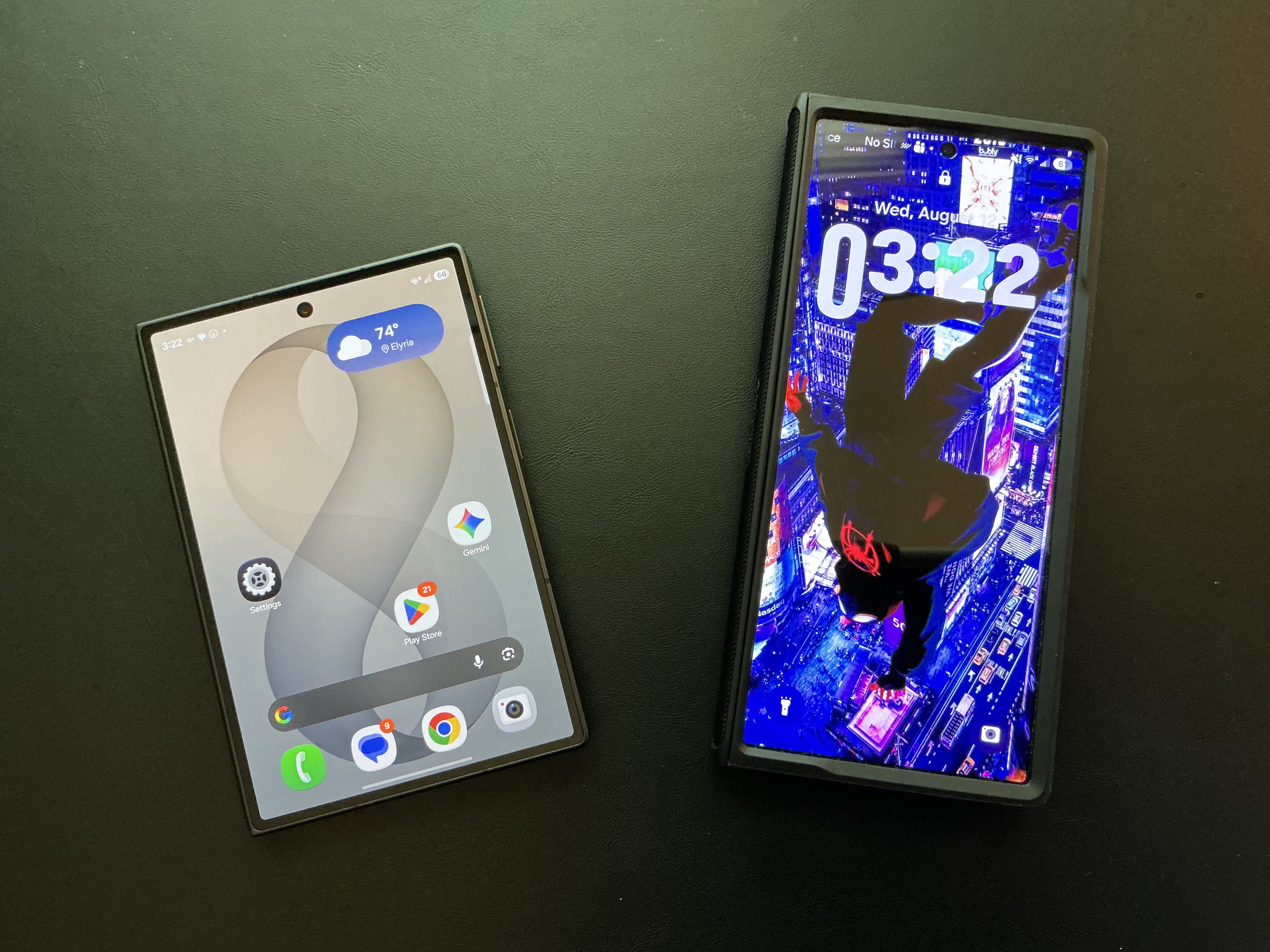
Unfolded these devices are a cut above any slab or other foldable out there from a hardware perspective except maybe the Moto Razr Fold because of the insane battery. There’s so so so many things I can do with these unfolded that makes the device feel new, fresh, different.
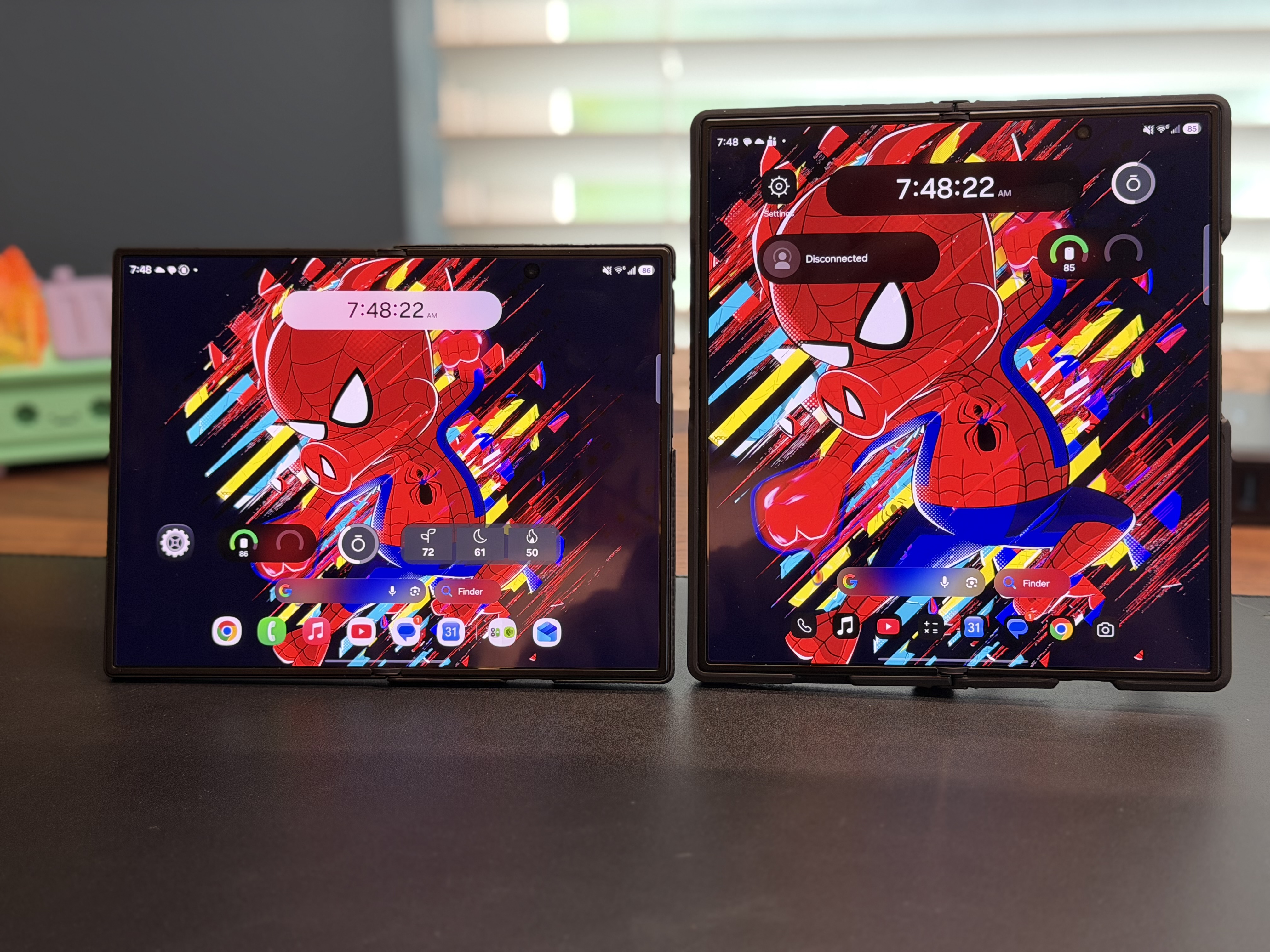
The Z Fold 8 is the star of the pre order show with delivery times pushed far into October from Samsung, though you can still get some carrier versions within a day or so of ordering them but I tend to avoid carrier specific models. Samsung forecasted that the Z Fold 8 would be the most requested phone and they were right. Of the 5 million pre orders for Samsung’s new foldables, 59% or roughly 2.9 million of that pre orders number were for the Z Fold 8. So, what’s it like living with the Z Fold 8 and Z Fold Ultra now that they are out? How do they work with macOS and general day to day non creator workflows? Let’s chitty chat about it.
One UI 9….
I want to dive into the general One UI 9 experience before we get into the physical devices themselves because the software experience is the most important thing besides hardware when it comes to rounding out a device experience.
I want to preface this by stating that coming from an iPhone I have to unlearn some habits and muscle memory. I like the design of One UI 9. It’s not terribly difficult to get around. The overall design of the OS is nice, I like the way you can customize everything across the home screen and lock screen and DEX (more there later).
In fact the customization is both a blessing and a curse. It seems infinite, especially when you consider the things you can enable with GoodLock. I’m an engineer by trade and I think it’s almost too much. Where Apple provides a little less customization than I’d like, Samsung and Android swing far into the “customize all the things” category. For those who love infinite customization, ONE UI is it. I can share files easily between Mac and Galaxy, messaging is great and customization in messaging is also amazing. I can really make the phone uniquely me. Even though there are no Google Messages apps native to the Mac, I can pin the web app so that it acts like one. I can connect this to Phone Link for Windows but that has been spotty in terms of stability.
Camera controls are fine though I’d like it just stay at 50MP on the main instead of needing to change it. There are some extra steps like for copying and pasting but it’s not horrible. Just different. So what don’t I like?
While Google Messages is great, I loathe the way you need to setup group chats. there’s too much UI on the screen. It just doesn’t feel smooth to me. Pinned or favorited chats are terrible and much less advanced than iMessage on iPhone. There’s a rumor this is changing but the proof is in the update.
Another thing that bothers me is sharing links with contacts. iPhone just seems to know what or who I’m going to share something with from apps like Facebook or Instagram, but Google with all its AI can’t seem to figure that part out. It shows a very short list, then I have to go find them. This is probably a get used to it over time problem, but it’s annoying to re learn.
App quality. The quality of apps on Android are really hit or miss. Some just look gorgeous while others feel dated. This inconsistency drives me nuts. Apple has better guidelines for their apps and it shows in my opinion when you move from app to app.
Photos. I love all the AI in Google Photos. It’s top notch. But I don’t want my stuff to go to ”Gallery” then sync to Google Photos. It’s an unwanted step and creates confusion on the surface. Are my photos in Gallery? Or are they in Google Photos? Is Gallery actually Google Photos? Oh they are in both.
Then there’s the keyboard. I’m sorry but the traditional Samsung keyboard is… hot garbage. I have to replace it with GBoard to get a different typing experience. Speech to text is wildly inconsistent and just doesn’t behave. when I say “period” indicating the end of a sentence, it writes the word instead. Same thing with comma. GBoard is the best keyboard out there for Android in my opinion so you should absolutely use it.
Last issue is with Bixby. I find it to be annoying to have multiple assistants on the phone and while everything is basically configurable to Gemini, Bixby still exists and is used for a lot of the on device AI work. For better or worse, it’s here to stay but I disable it or remap it wherever I can to avoid it in favor of Gemini. One thing I will say that I like about Bixby is the fact it has an offline model so I can use it on device. That said it’s still Bixby and I just care for it.
Animations are nice and fluid across the board and I generally enjoy the OS when I don’t hit any issues, I just wish there was more fluidity and less steps to execute tasks on the phone.
Samsung DEX is almost Perfection
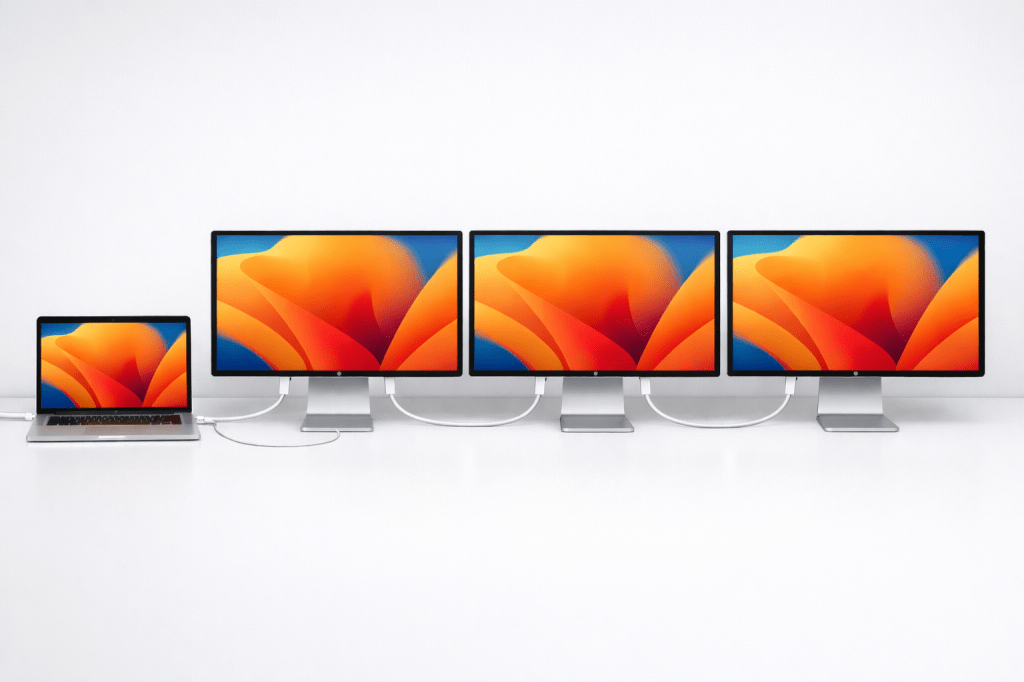
Apple needs to copy DEX. Plain and simple. For years, Samsung has included DEX in their devices. For the uninitiated, DEX allows any Samsung phone to connect to a larger monitor and create a desktop like experience on the phone by extending it to a larger monitor. You do have the option of enabling 4K on DEX provided everything supports it. I wanted to give DEX a try with the Z Fold 8 so I built a custom desk setup to give it a go.
Once you connect the Z Fold to the screen, a desktop background shows up. Since I have been testing Windows 365 Cloud PC’s, I thought what a better way to see if connecting the Z Fold 8 to Windows 365 would create a true single device experience. Well, it sure did. Connecting it did require some customization on the Windows App side. Primarily, that issue came from scaling within Windows. There will be a doc coming soon on that tidbit, but once I got scaling done, it worked really really well. I could use it if I ever had company laptop issues and still be able to complete about 80% of my day to day work. the other 20% being the things I need my laptop for like running LLM’s and testing other various AI workloads.
Now onto hardware.
Z Fold 8 Ultra… Stable
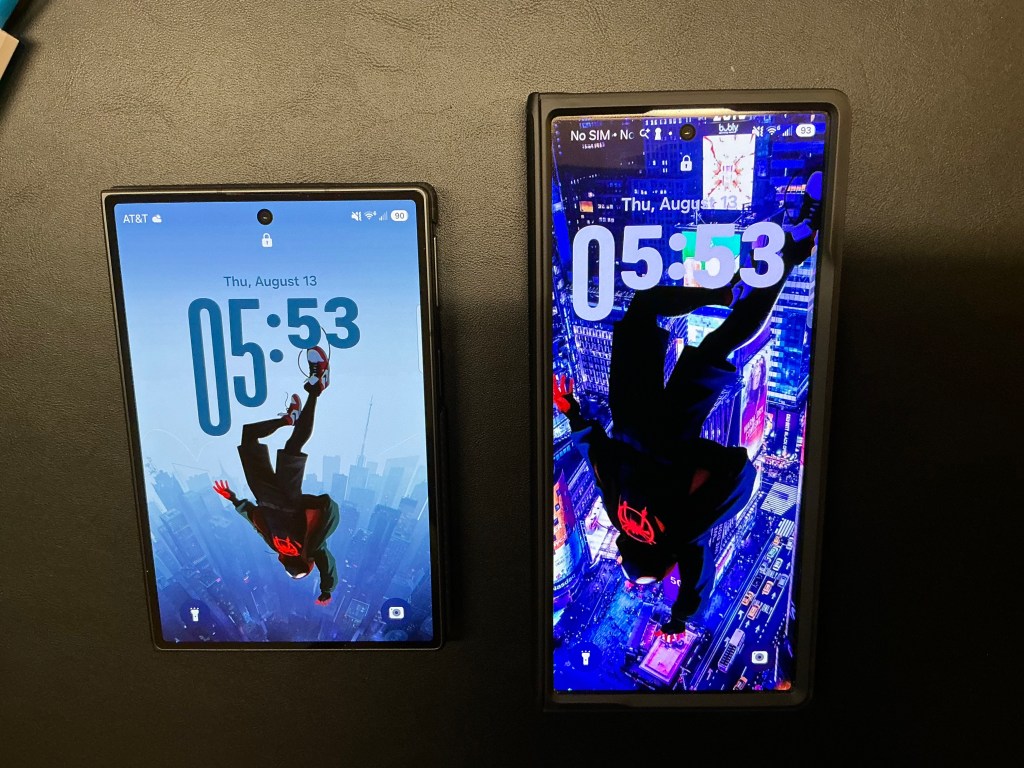
The Z Fold 8 Ultra is basically the same form factor as last year’s Z Fold 7. it’s a candy bar style phone with a 6.5 inch screen when closed that opens up to an 8 inch screen on the inside.
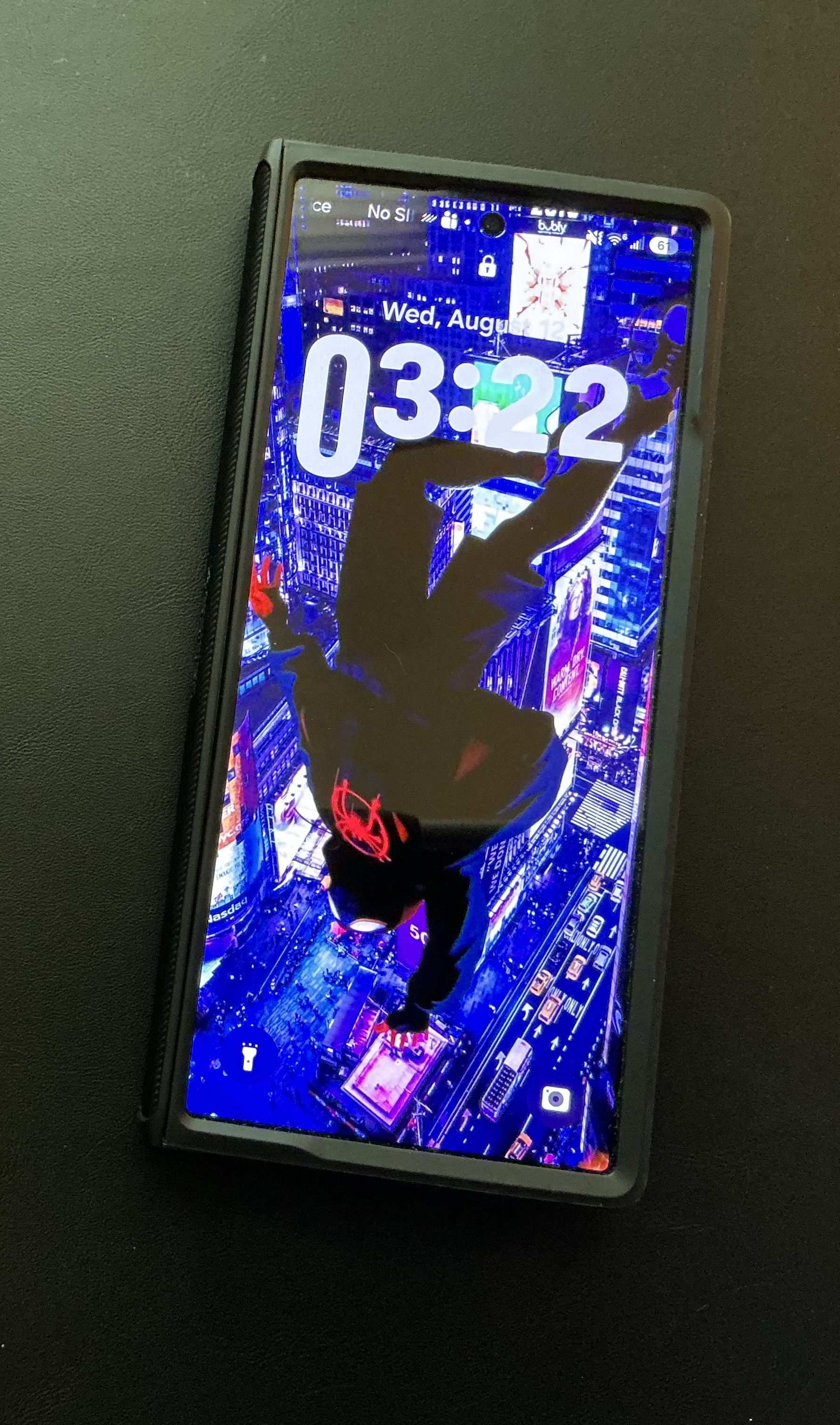
In daily use, the Z Fold 8 Ultra is absolutely amazing. I’m getting all day battery life with mixed use of screens and tasks. The Ultra has been averaging 5-8 hours of screen time with breathing room after a normal day. I tend to use the larger screen more than the front screen. That’s really due to the keyboard being cramped on the front to type on. Silicon Carbon battery tech in this phone has cured one of the major complaints about the Foldables category in the US which is a welcome add on.
The cameras are somewhere between the Z Fold 8, and the S26 Ultra but not on par with the S26 Ultra in my opinion. They take good pictures across an array of different situations from ultra bright days to low light. My experience with the camera system also seems to match other reviewers. I think its plenty good for about everyone including those with some creative workflows.
General productivity is really really great. if I’m looking for something on my phone and having Gemini open next to me, I can follow instructions onscreen without changing windows and that is absolutely perfect.Having this much larger screen, optimized for touch, allows me to execute on quick tasks without the need of a laptop or running home if I’m out and about. Definitely nice.
The displays inside and out are obviously a delight to use. Up to 3000 nits of brightness in the daylight and it does not disappoint. I still feel like the iPhone is the gold standard here, at least from where I sit, but this is absolutely wonderful and the anti reflective coating on the inner screen is a welcome change from previous foldables. Overall the colors are bright, punchy, and everything is nice and sharp.
The device is pretty great to use, hold in the hand or pocket, and provides a simplicity I have been looking for in my tech stack for a long time. That said, the simplicity factor applies to all foldables, but these are foldables I actually WANT to use.
Do I have complaints? My only issues are the square style aspect ratio unfolded and when folded, the candy bar screen. Folded, with larger hands it’s tough to type on. Unfolded its great for multitasking but less so for content consumption.
Now onto the Z Fold 8.
Z Fold 8 Wonderful Hardware with an Early Adopter Catch
The new kid on the block this year is the form factor of the Z Fold 8 or as many are referring to it as the Z Fold 8 Wide.
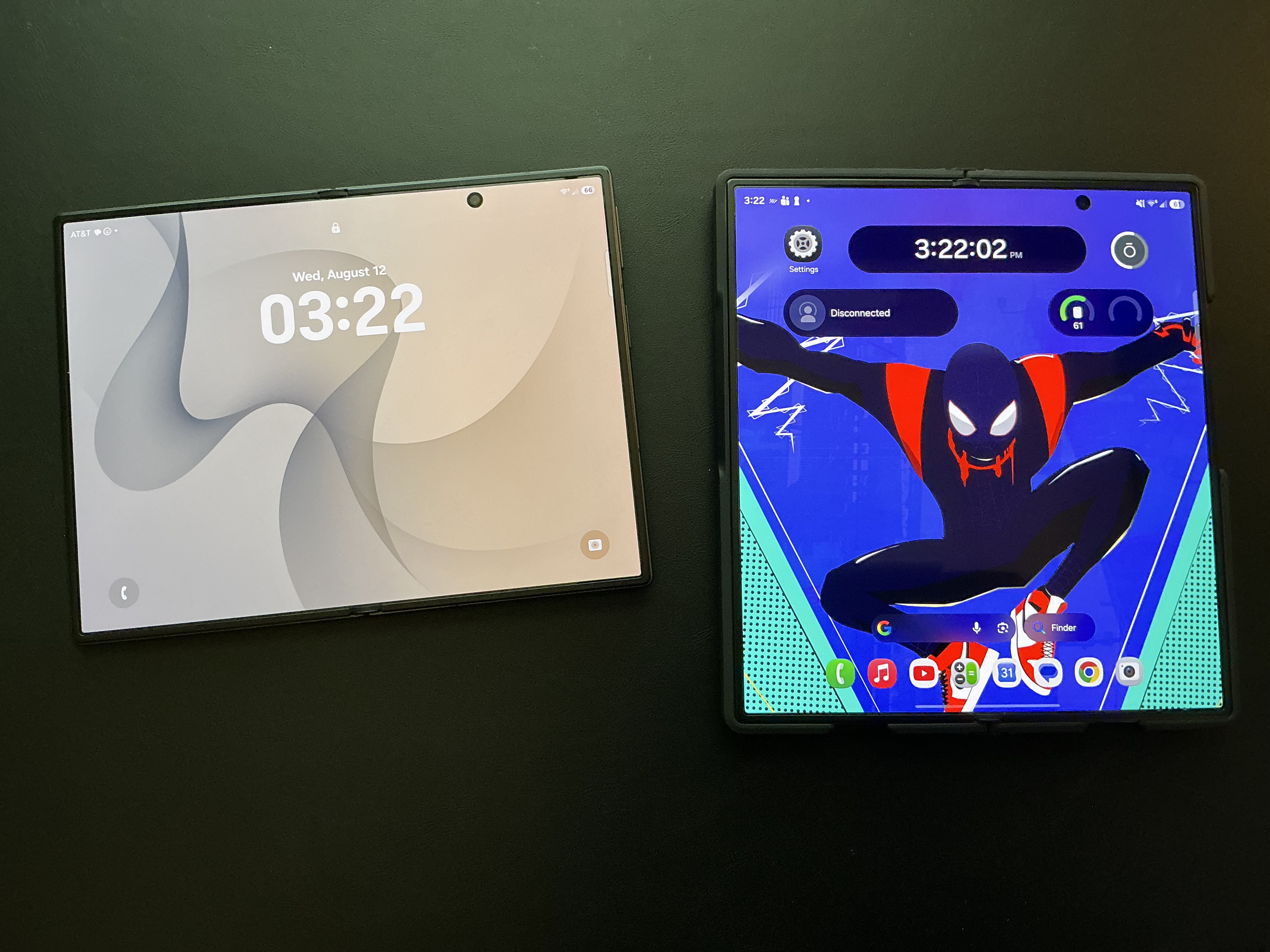
This foldable is shaped more like your passport trading the tall candy bar design for a more wide than tall design. The front display is pretty great and easy for me to reach one handed. Not to mention the weight. ohhhh the weight. For a guy who travels a lot, this thing is amazing. it practically disappears in your pocket at 202 grams. It’s not 165 grams like the iPhone Air, but I’ll take the extra weight for the added inner screen.
Once you get past the hardware though, that’s where the trouble started for me initially. I had nothing but issues with the July out of the box update. Disappearing keyboards, errors telling me the apps aren’t set for split screen, apps that aren’t permitted side by side but making them side by side in a different order seems to work, Messages auto resizing in a way that is fixed by closing it or by rotating the phone to change the orientation of the screen. There’s so many things I tried to do from a setting perspective, but it was really a challenge to get it to behave in a manner in which it should. I tried having one of my credit card apps right next to my password manager app in split screen so I could copy and paste the information for login. Copying and pasting crashed both applications. Later on I did a full reset of the phone and it worked fine but the other issues persisted.
After an overnight though, I woke up to a ton of application updates and another OS update. Annoying because I checked for updates and it was telling me all was right in the world. Anyway.. After installing it, the August update seems to have mostly stabilized the device. The issues from the out of the box update are gone now, and the individual app issues seem to be all that remains with a much less occurring resizing of the Messages app. This is very normal and what I expected out of the box with the day 1 update.
After using the more stabilized update over the last few days, I’ve been able to get more on to the “Day in the Life” stuff. The phone is wonderful to consume content on, those the speakers leave a bit to be desired from a volume perspective. I’ve gotten very used to the front screen and using it like a normal phone. The half height size feels right. I’d like to see it a tad bit taller, but the front cover screen is great for pretty much all my day to day stuff. Messages, quick emails, checking Amazon statuses, paying bills, the usual suspects when I’m not traveling.
Opening up the display gives you a wonderful aspect ratio that no matter how you hold it or rotate it, it feels pretty great for anything requiring more screen real estate. I find myself setting up with Apple Music playing music while I work or read. I also find it really nice reading articles online, Microsoft Learn documents, or other technology based learning articles.
The search for the right case
One of the issues i’ve had trouble with is sourcing the right case for the phone.
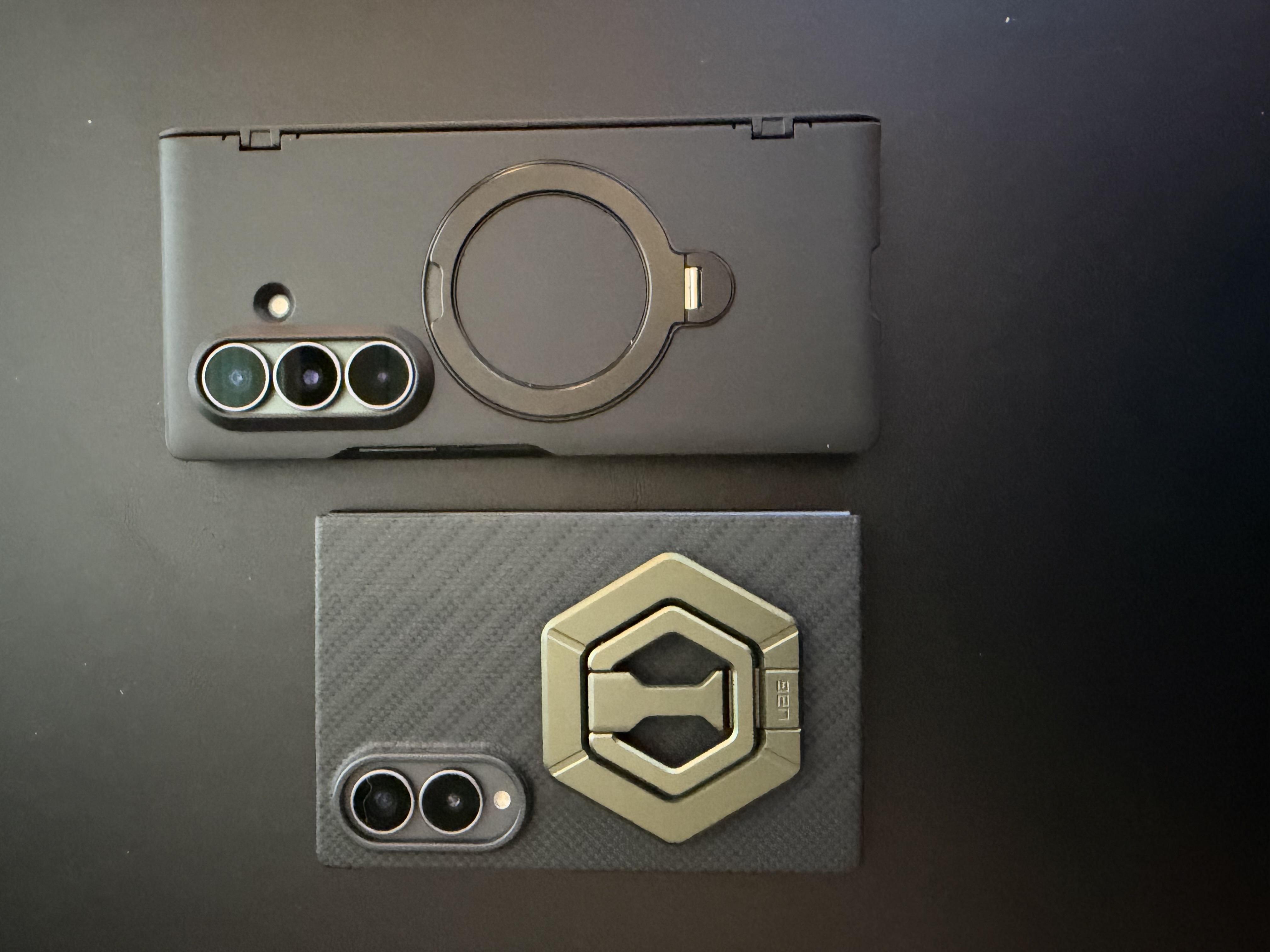
The Samsung cases are either ridiculously expensive, or just cover the back of the phone. Which is appreciated given how svelt the phone feels in the hand, but it doesn’t offer a lot of protection nor flexibility. I’ve ordered two other various kick stand cases and both have been delayed in transit but did ship when promised. I must be jinxed in this aspect. I did manage to get a UAG stand to connect to the mag safe case I have for it and that helped a lot.
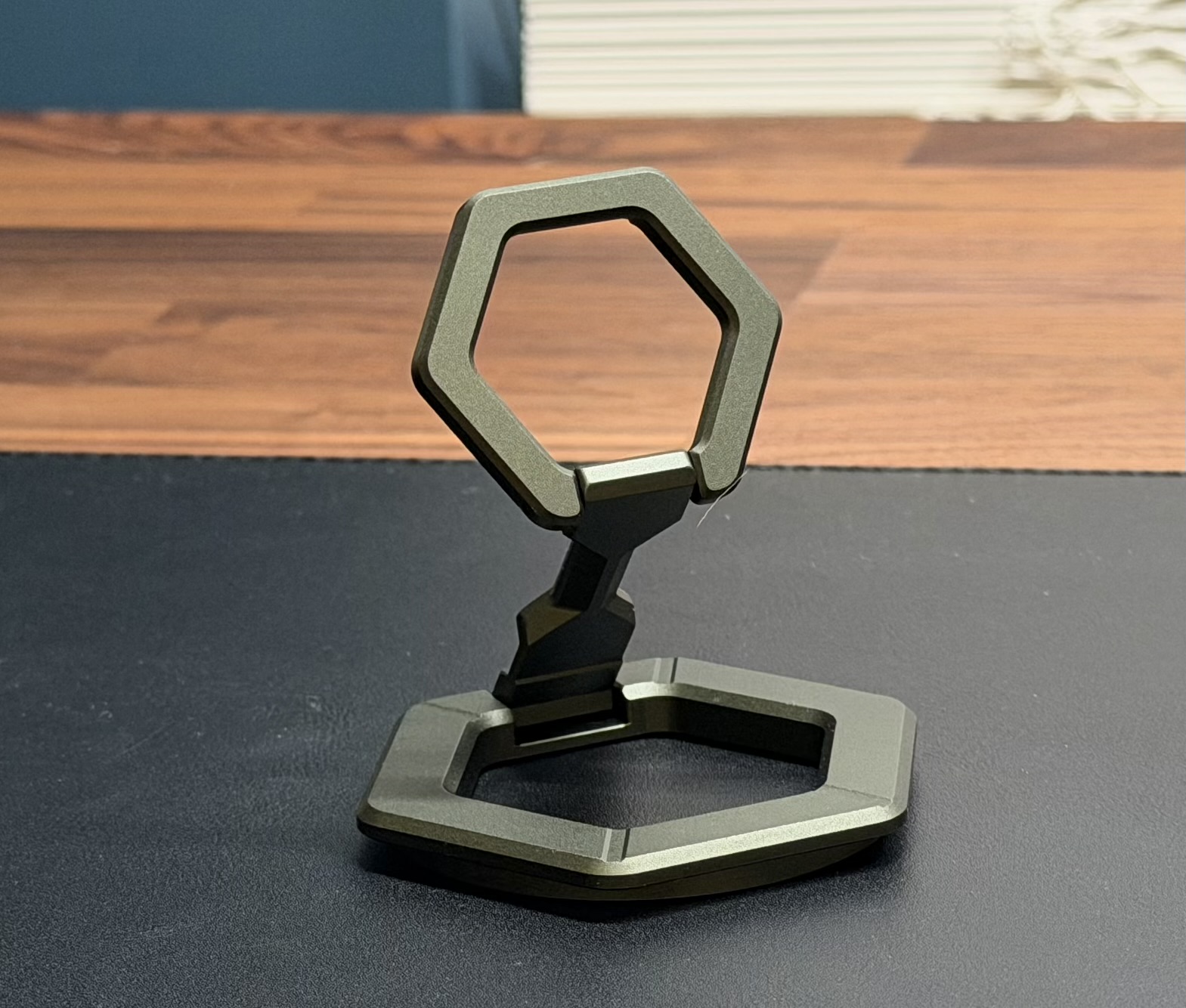
If you’re considering a foldable, make sure you consider a case that offers some sort of stand so you can prop up the phone. Especially if you travel. If I have any luck on the cases I will be sure to report back.
The case for the alleged iPhone Fold
I don’t like to discuss rumors at all, but the elephant in the conference room is all about the iPhone Fold or Ultra or whatever it’s rumored to be called. So for the sake of argument, let’s assume Apple is releasing a Passport style foldable this year. If the rumored design is to be believed, and the experience with the Fold considered, it is that the passport shaped foldable is definitely the right design. Microsoft for all their faults had the Surface Duo sizing right, it just didn’t catch on. So what does Apple need to nail on their release? Well four things I think will be critical:
1: Software Experience
2: Battery Life
3: Camera Performance
4: Price
Price is neutral for the Z Fold 8 and the Z For 8 Ultra. I think it’s still an expensive phone, but if it’s covering both your tablet and phone, then it makes more sense. I fully expect the Software Experience to be great. There has been glimmers of changes from a windows management perspective with the iPad so bringing that experience optimized for a folding iPhone will be an instant hit. On a device that can cost north of $2000 dollars though, if the cameras are objectively worse than the iPhone 17, not even the Pro but the 17, and it has iPhone Air battery life, that will be a harder sell for people at this cost.
The Decision….
So.. do I keep either foldable, return them and go back to the iPhone? Well… it was super difficult to make up my mind. After all, both phones had their positives and my heart has belonged to the iPhone for a long time.
At the end of the day, there’s certain things I value about my phones that I can’t compromise on. The primary two are battery life, and camera zoom. The Z Fold 8 Ultra is better than the Z Fold 8 in the categories I care the most about, and I thought I could live with some of the photo quality issues, but when I went back through, all the photos I saw, that looked horrible, were from the Z Fold 8 in mid to low light. So it’s the Ultra for me over the iPhone. When I pick up my iPhone, for all its perfected corners, software experience and cameras, it’s lacking so much that a foldable brings to the table. For that matter, so does any slab phone regardless of OS. Developers will solve the issues with the new form factor over the next couple of months and while it was tough at the beginning, as I write this it’s not as prominent as it was when I started. If Apple does release a foldable this year, I’m sure it will be incredible. The price is my biggest concern here and given the price increases we just saw, I think if it starts at the $2399-$2799 mark, I’m sure it will sell out, but I think it will be out of reach for many people and more of a niche for Apple users. Guess we will find out soon!